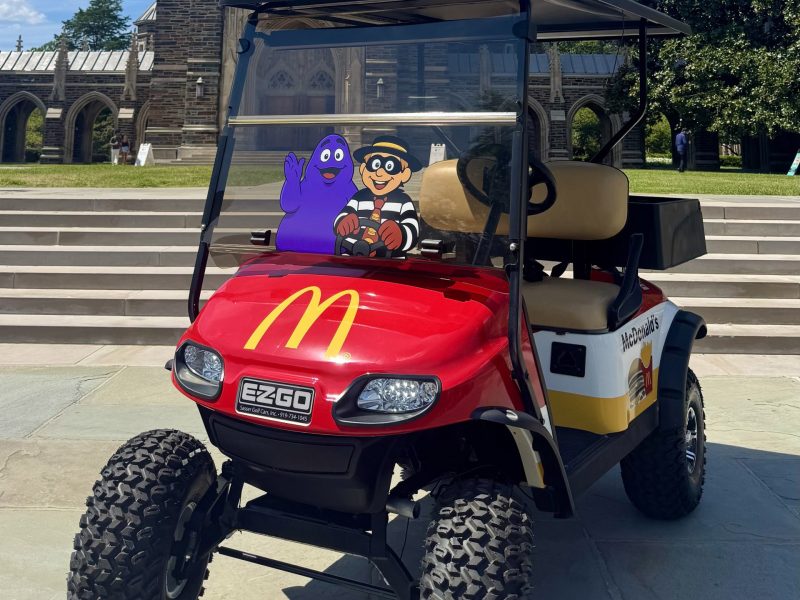
McDelivery is here! McDonald’s is now delivering on west campus Thursday-Saturday from 8pm-3am! Follow the step-by-step guide below to order!
STEP 1:
Download the Duke Dine-Out Mobile Ordering App.
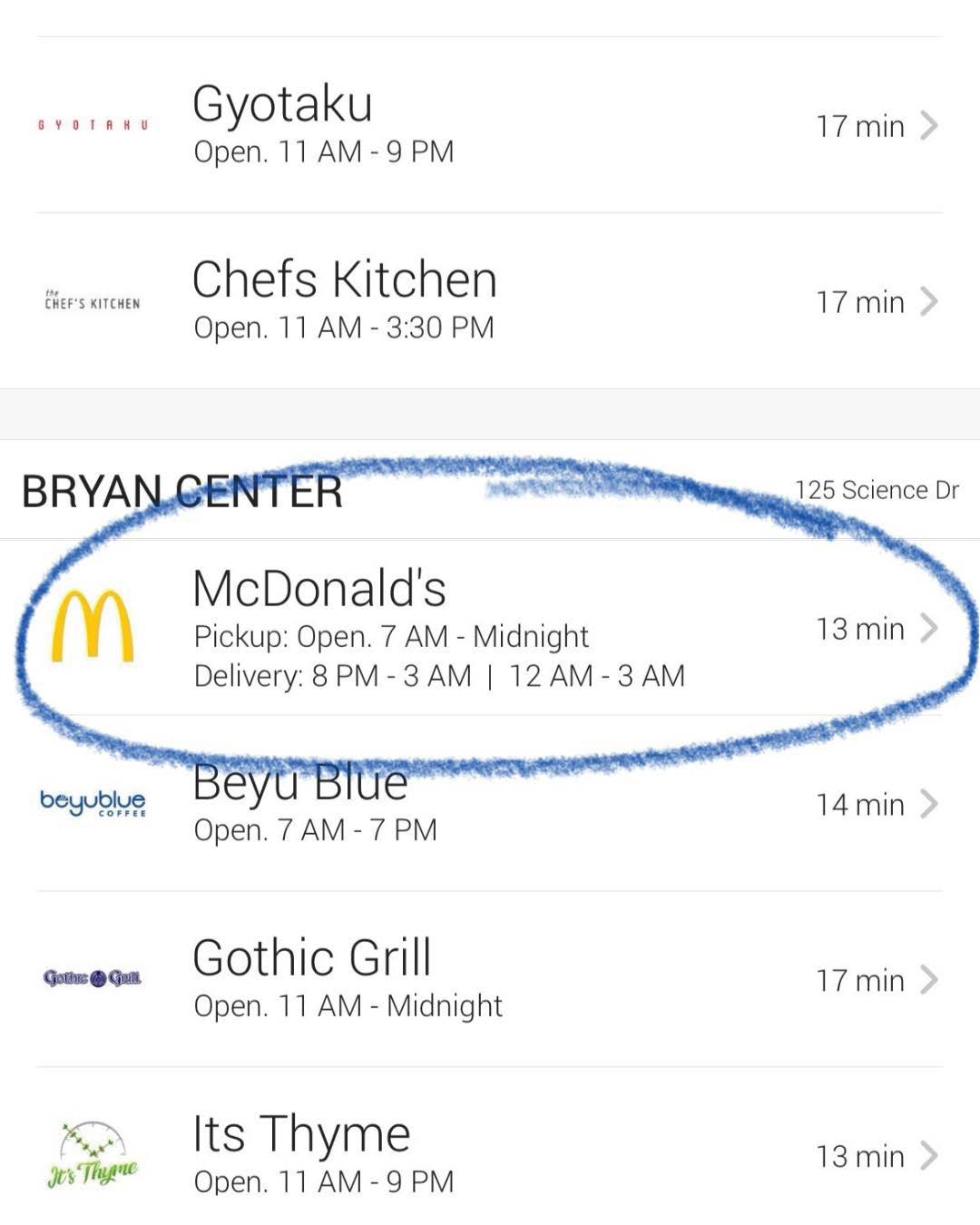
STEP 2:
Open the app and select ‘McDonald’s.’
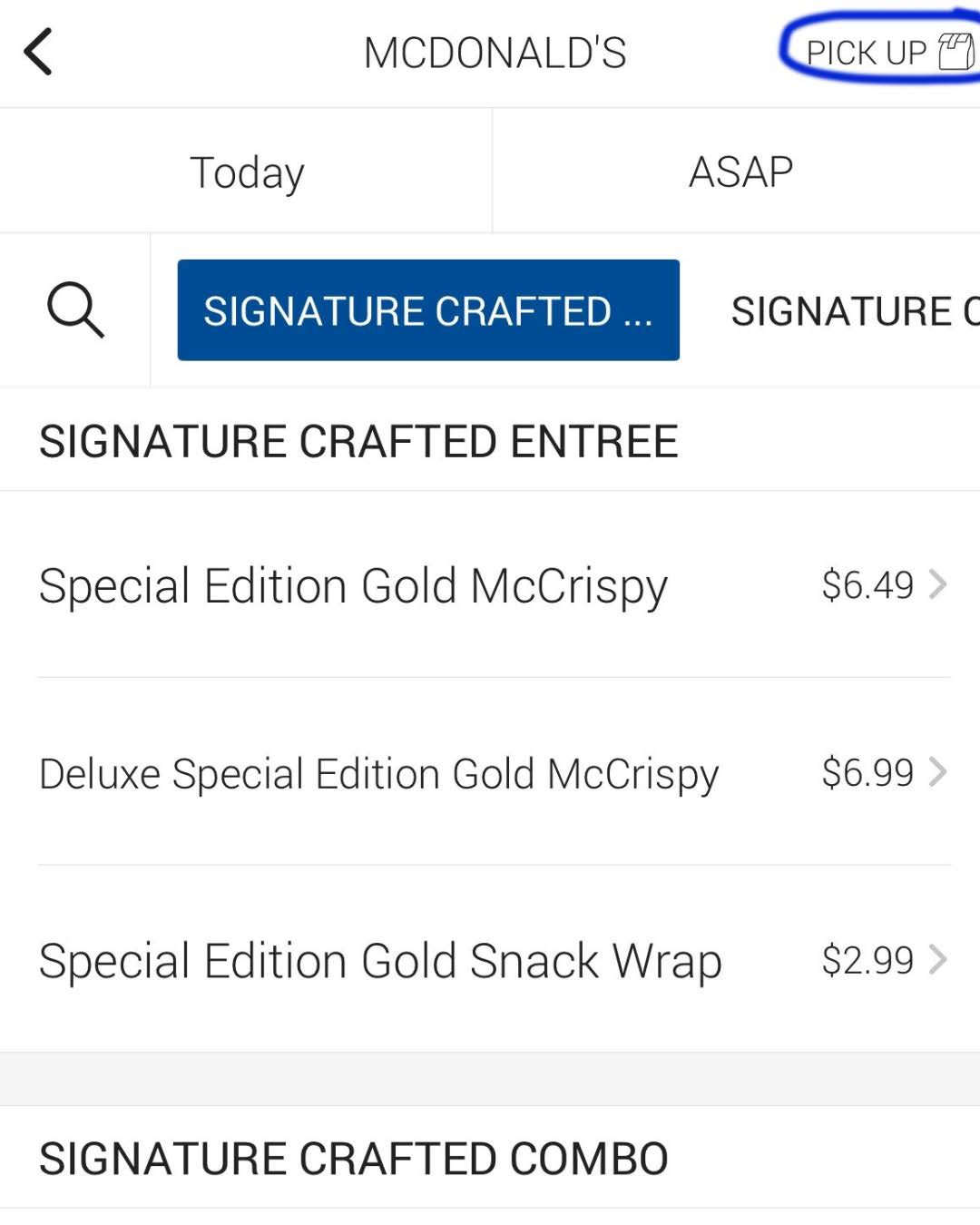
STEP 3:
Tap ‘Pick-Up’ in the top right corner.
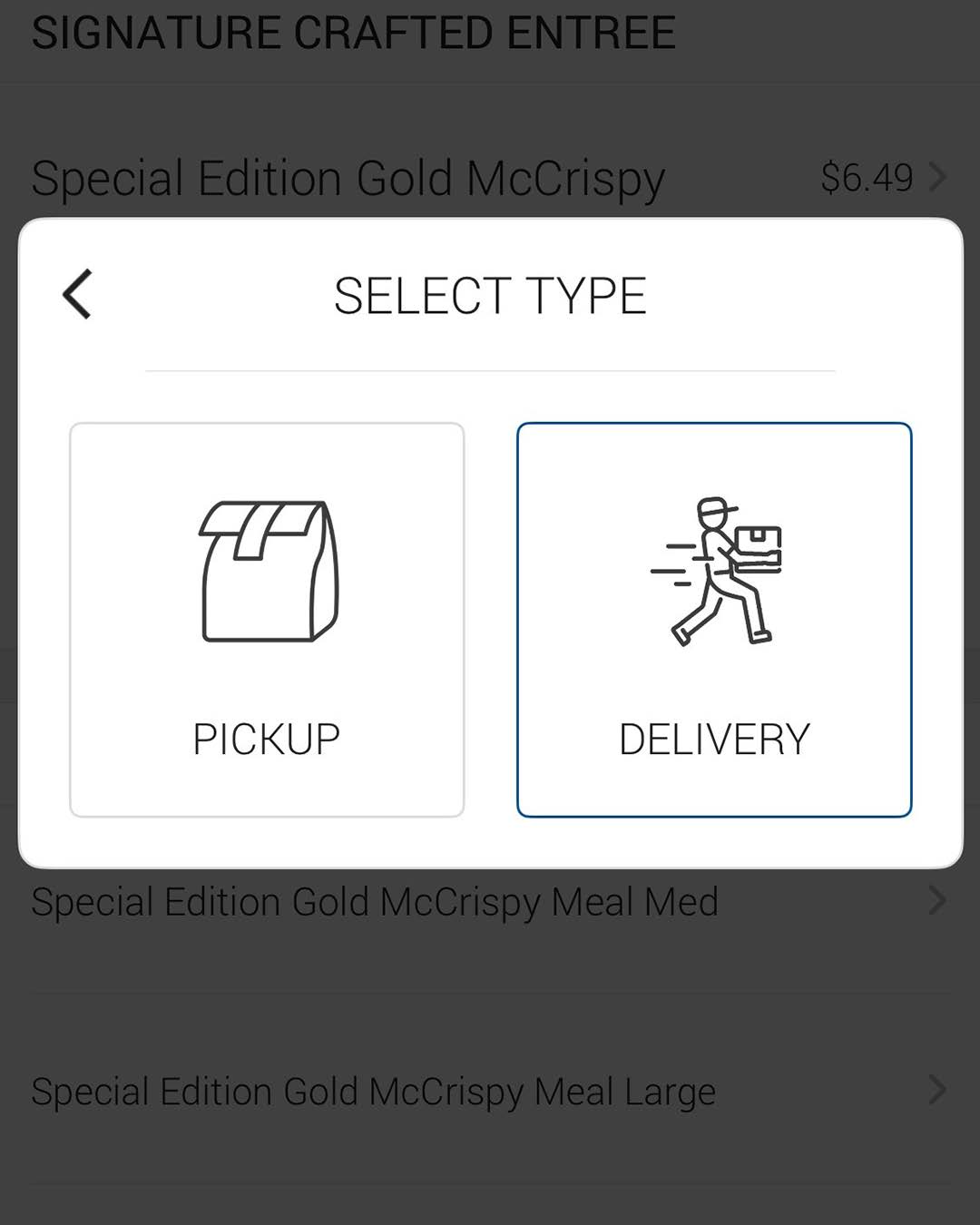
STEP 4:
Select ‘Delivery.’
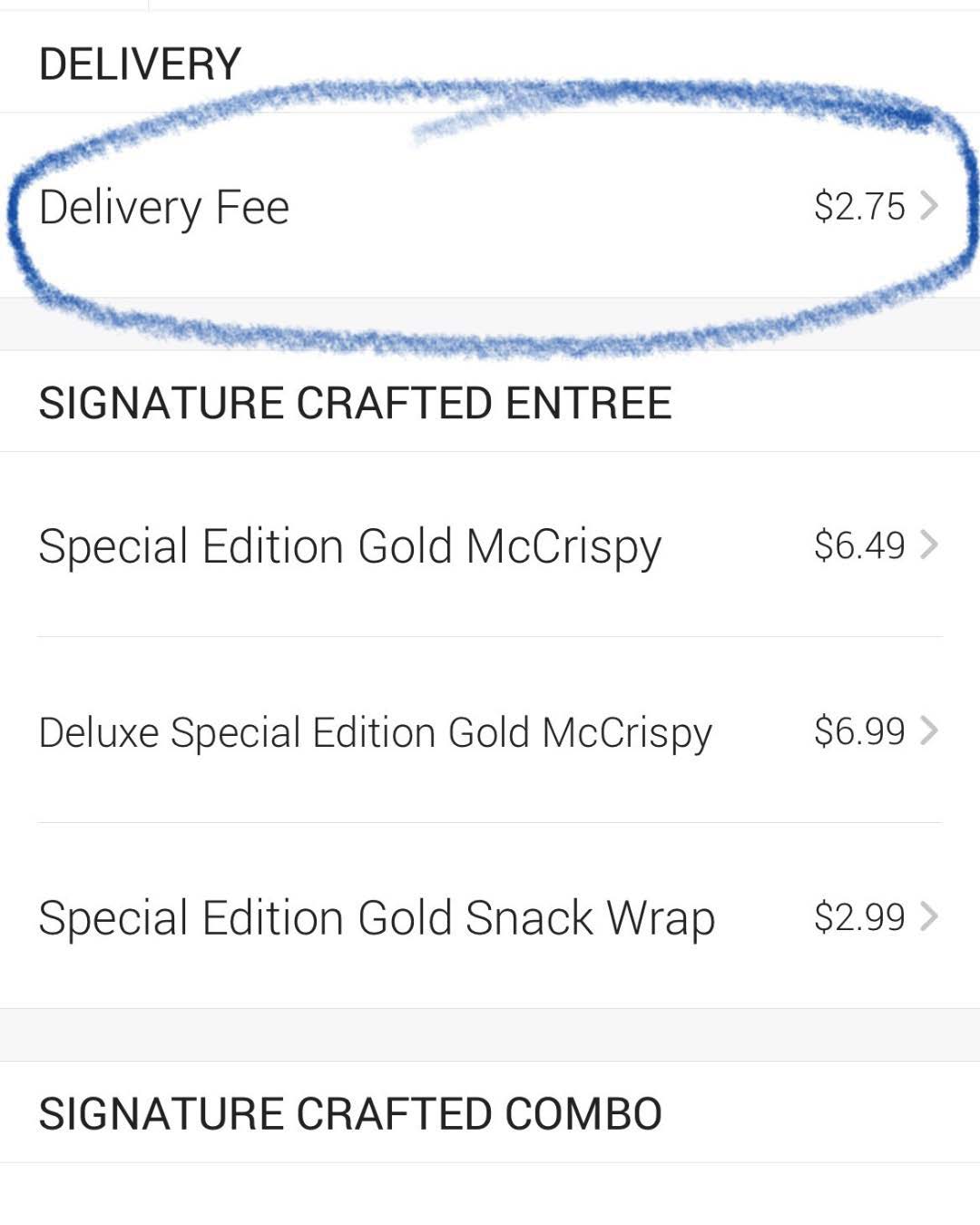
STEP 5:
Add the Delivery Fee to
your cart.
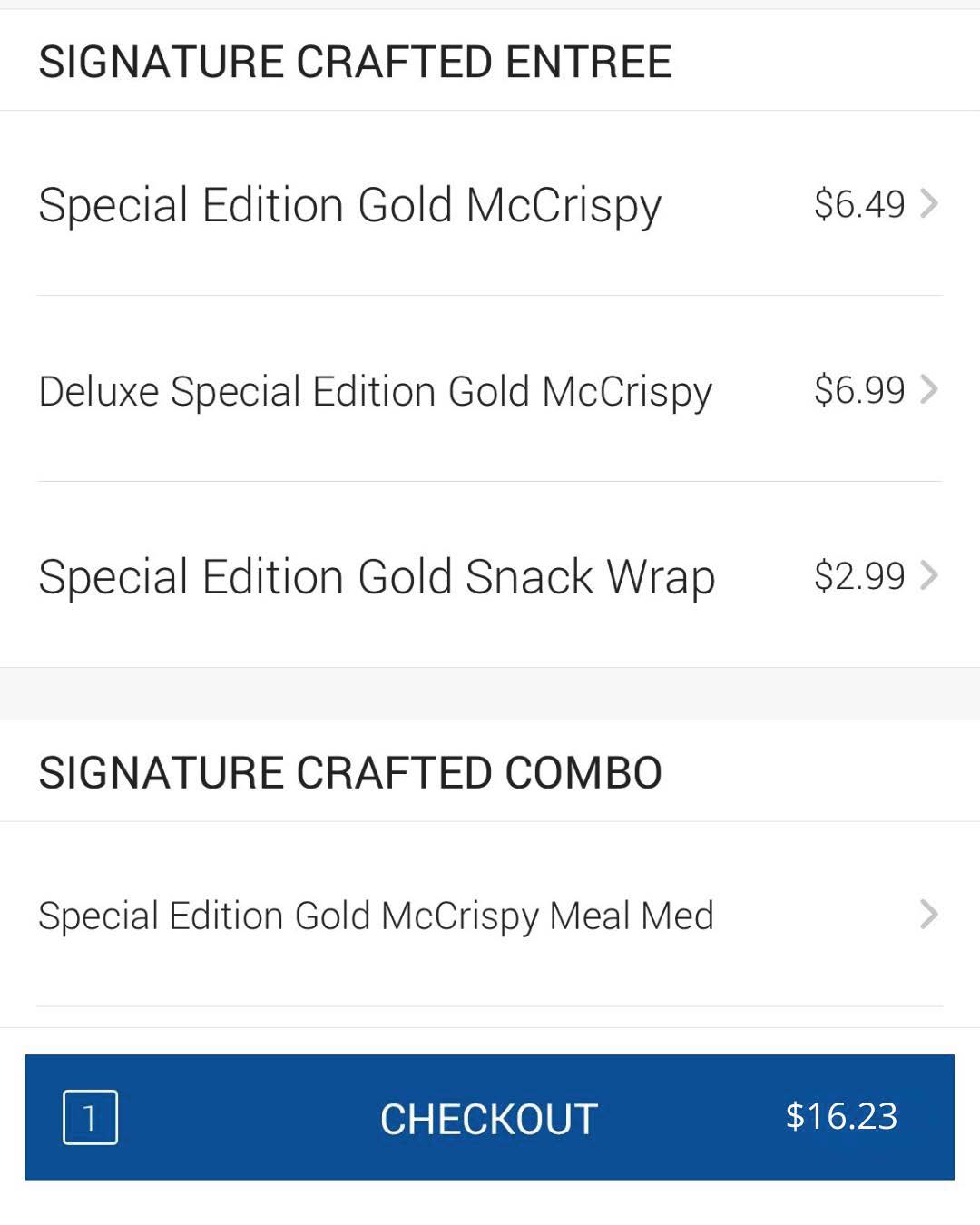
STEP 6:
Add your menu items to the cart and tap ‘Check-Out.’
(minimum $10 required)
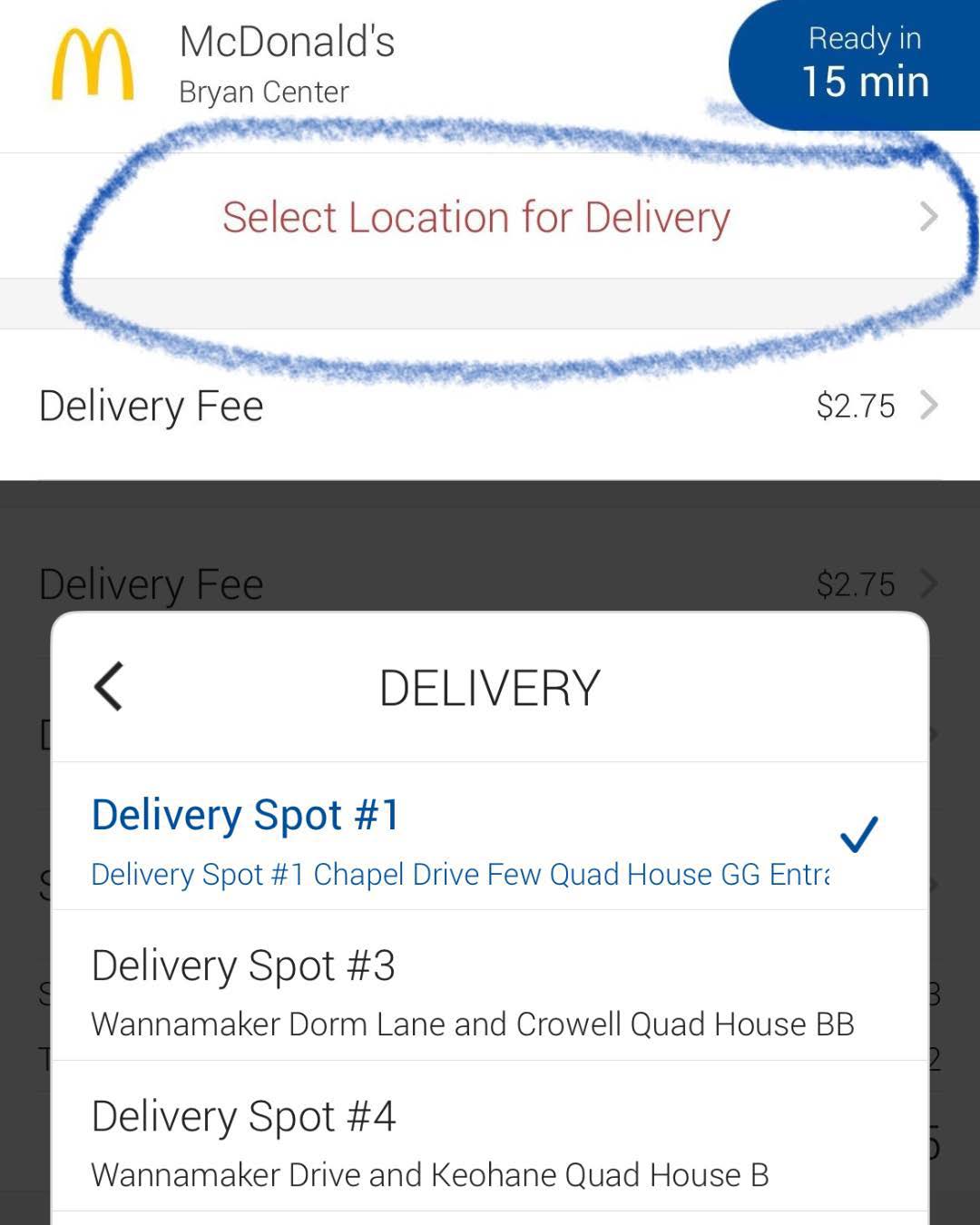
STEP 7:
Select Merchants-on-Points (MOPs) pick-up location.
MOPs pick-up locations can be found at:
https://tinyurl.com/dukediningmops

STEP 8:
Enter your mobile number in the comments section.
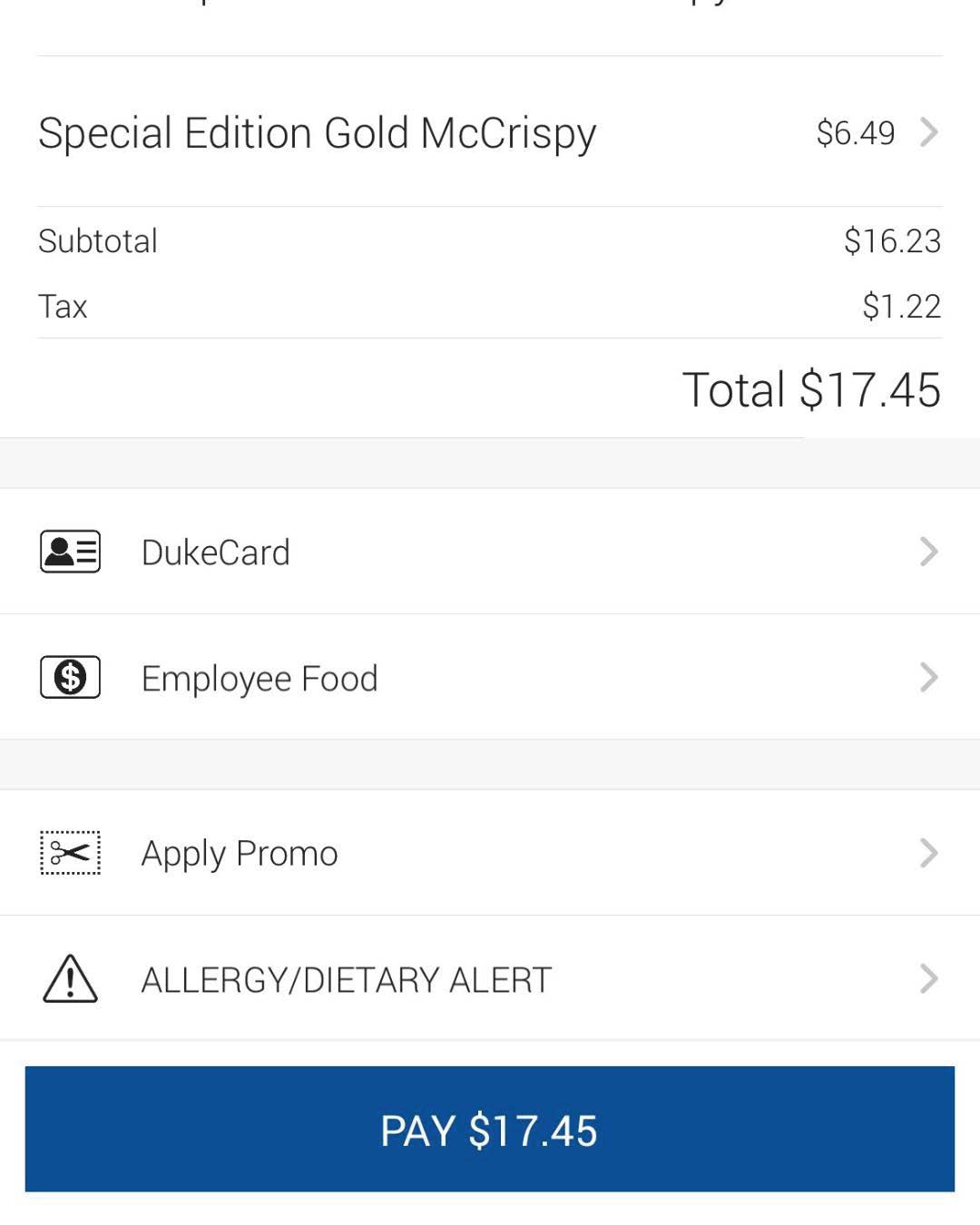
STEP 9:
Tap ‘Submit Order,’ and tap ‘Pay’ to confirm your order.
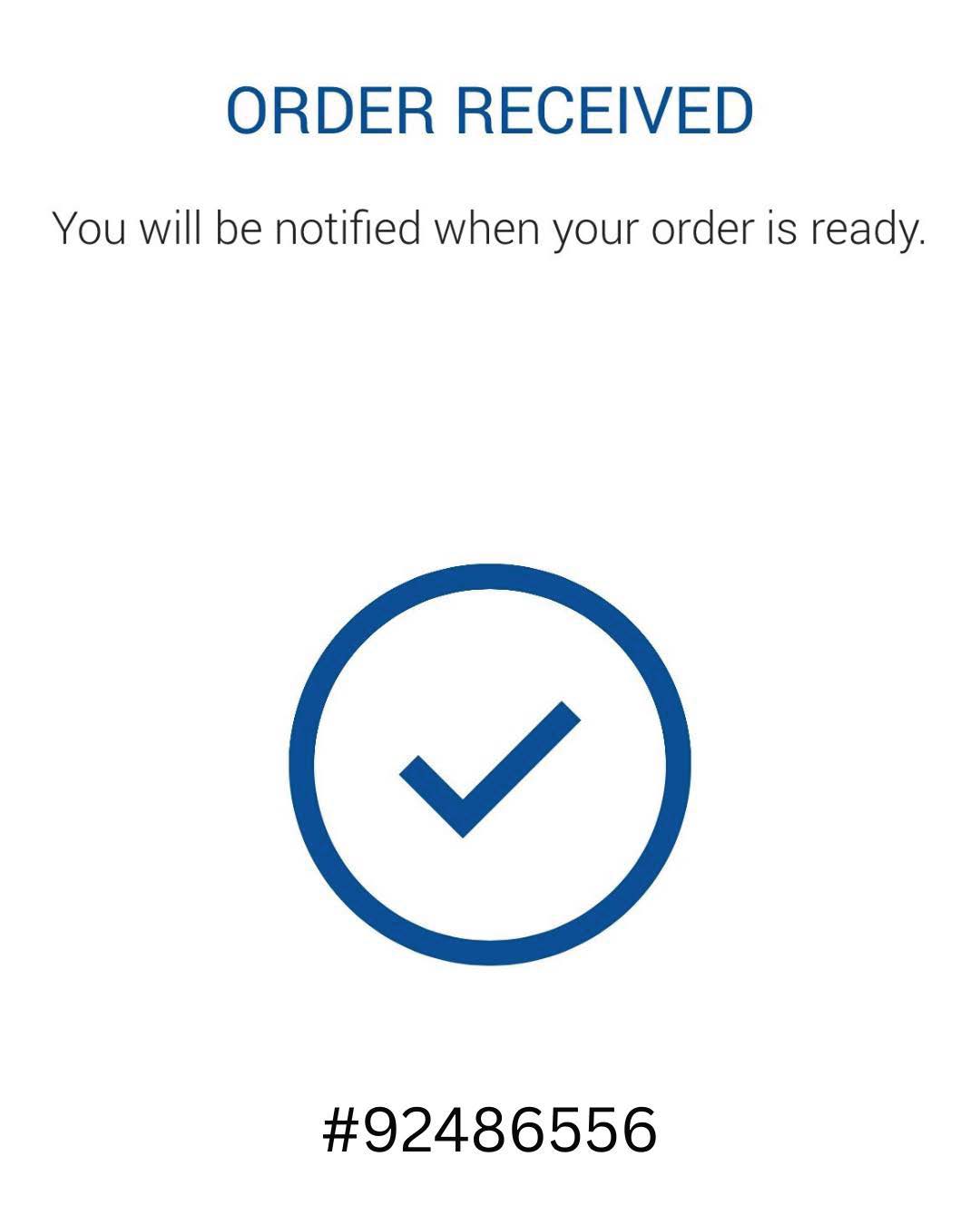
STEP 10:
When your delivery is on the way, you’ll receive a notification.
Be at your pick-up spot with your phone so the driver can reach you if needed.